Lodgify: what it does, what its website can and can't do, and when you need your own

You have three apartments on Airbnb and Booking.com, you keep the calendars in line by hand, and last summer you came close to a double booking. Someone told you: get Lodgify, it gives you a website too. Before you decide, ask yourself one more question: is that website enough for you, or do you need a site of your own that uses Lodgify behind the scenes?
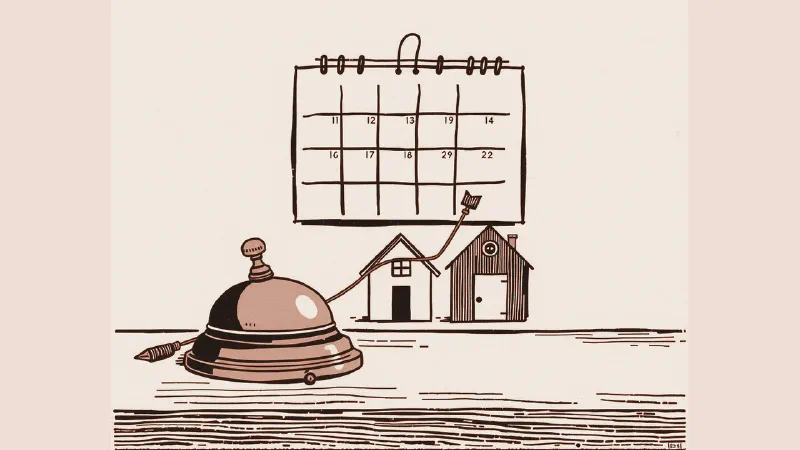
Lodgify is vacation rental software: it puts your calendar and bookings, a channel manager, a booking engine with online payments, and a website builder in one place. For one or two rentals, the Lodgify website is often enough. When you need your own brand, pages about your area that people find on Google, or text written properly in each language, and the templates can’t give you that, your own site connected to Lodgify usually makes more sense.
One thing first: I haven’t used Lodgify for a client, so this isn’t a hands-on Lodgify review. It’s based on Lodgify’s own documentation, on more than 15 years of working in software, and on the questions I’d ask before signing up.
What Lodgify does
On its website and in its help center, Lodgify describes these features:
- Calendar and bookings in one system, whichever site the booking comes from.
- A channel manager, the tool that keeps the booking sites in sync: direct connections with Airbnb, Booking.com, and Vrbo, while many other sites connect through iCal, a calendar link they check at regular intervals.
- A booking engine and payments: every website template already includes the booking form, online payments, and an availability calendar.
- The website, built on ready-made templates that you edit without writing code.
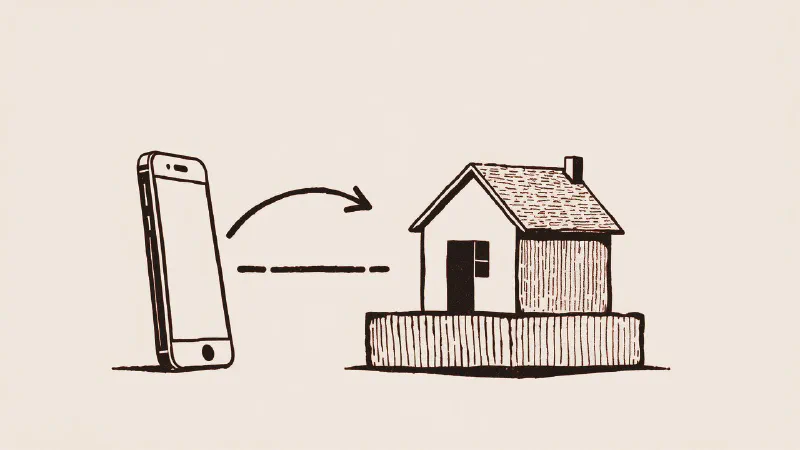
- The Lodgify app for iOS and Android: you log in with your Lodgify account and handle reservations, the calendar, and guest messages from your phone.
- Google: Lodgify is one of Google’s vacation rentals partners, the technical partners that send prices and availability to Google. On this route, though, Google accepts professional property managers, not individual owners.
If it isn’t clear where the channel manager ends and the booking engine starts, I explain it in channel manager vs booking engine.
The Lodgify website builder: what it does well
- You can start quickly. Pick a template, upload photos and text, connect your domain. You don’t need to know how to code.
- The booking form is already built in: dates, price, and payment, with nothing else to connect.
- The domain is yours. Lodgify says you can take it with you and keep it, and annual plans can include one.
- The SEO basics are there: for each page you can set the title and the description that Google may show in its results, and you can add alt text to your images (a short written description of each photo).
- Several languages: the site can be shown in more than one language, with menus and amenities already translated.
For one or two homes, if you want a website that takes bookings without much thought, it’s a sensible choice.
The limits to know before you start
These aren’t hidden flaws. They’re the usual trade-off of a site built on templates:
- You work inside Lodgify’s templates and editor. There’s a Raw HTML widget for adding outside code, but the site stays on their platform and follows its rules.
- The blog isn’t its strong point. Lodgify’s help center explains how to add a blog page that you build by hand, or how to connect an outside service such as DropInBlog, which is a separate subscription. If you want to write guides about your area, that’s an extra step.
- Languages have to be written, not just switched on. Menus and amenities come translated. For property descriptions there’s an automatic translation that you need to check, and you translate the text of your pages yourself, one language at a time.
- The site lives inside the subscription. The domain stays yours, but before you start, ask what happens to your pages, text, and photos if you ever change software.
When your own website, connected to Lodgify, makes sense
Lodgify stays useful even when your website is built separately: it keeps the calendar, the booking sites, and the payments, while your site tells the story and sells. It makes sense in these cases:
- Several rentals with different stories: a farmhouse, two apartments in the village, a villa with a pool. Each one deserves its own pages, made with care, not the same listing repeated.
- A brand you want to build, with your own look and your own tone of voice.
- Content about your area: villages, trails, beaches, events, written for people who search on Google before they even know where they’ll stay.
- Several languages written for the people reading them, English, Italian, and German for example, not just translated. Guests in Italy come from everywhere.
- A site you already have that gets visits from Google: rebuild it without losing the pages that work, as I explain in hotel website redesign: 4 signs it’s time.
If you’re still deciding whether a vacation rental (a holiday let, in British English) needs a site of its own next to the booking sites, start with do you still need a website if you’re on Booking.com? To grow the bookings that come through your own site, there’s how to increase direct bookings. I first tried the way I build websites for accommodation businesses on a tourism project of my own, stefanogabryel.net, the site for my guided hikes in Tuscany, with the photos, text, site, and SEO all done by me: the numbers and screenshots are here.
How to connect your own site to Lodgify
Either way, Lodgify stays in charge of the bookings: you manage the calendar, rates, and booking sites there. Your website is the shop window.
With the booking widget
Lodgify generates a piece of code, either a search box or a booking box, that you paste into the pages of your site. It works on WordPress, Wix, Squarespace, Webflow, and others, and there’s also a Lodgify plugin for WordPress. It’s the simplest route. The booking form itself, though, is still Lodgify’s.
With the Lodgify API
If you want more, there’s the Lodgify public API, the way for your website to talk to Lodgify directly. The documentation shows that it lets your site read properties, availability, and rates, create a booking or an inquiry, read the quote for a booking, and create a payment link. With webhooks it works the other way around: Lodgify tells your site when bookings, availability, or rates change, or when a guest message arrives. You find the API key in your account settings, on the page called Public API.
This way your site can show prices and availability on its own pages, with its own design and in its own languages, while Lodgify keeps the calendar and the booking sites. You need a developer, and it’s worth checking first that the plan you choose includes API access.
Weighing Lodgify against a site of your own? Tell me how many rentals you have and which booking sites you're on, and I'll tell you which route looks right to me.
Lodgify pricing: how the plans work
You won’t find figures here: they change often, and the current ones are on Lodgify’s pricing page. What matters is how the price is built. It’s a subscription, with plans that differ in the features they include, and what you pay depends on the plan, the number of rentals, and the billing period you choose.
Before you choose, check four things: whether the plan includes what you need (channel manager, website, API), whether there are fees on bookings, what online payments add, and how you cancel. Under Lodgify’s terms of service, the subscription renews automatically unless you cancel in time.
Lodgify reviews: what to check before you choose
I can’t give you a review of my own. I can tell you where to read users’ reviews and what to look for in them.
You’ll find them on Capterra and Trustpilot. Read the most recent ones first, and the two- and three-star ones, which usually explain calmly what didn’t work. Look for people in your situation: someone with one house and someone managing thirty rentals want different things from the same software.
Then ask these questions, to Lodgify and to yourself:
- Are the booking sites you use connected directly, or only through iCal? It changes how quickly dates close on the other sites.
- Do the bookings you already have come in on their own? Ask how existing reservations and closed periods are imported from each booking site. The switch from one system to another is when double bookings can happen.
- Which languages does support answer in, and at what hours in Italian time? The help center has articles in English and in Italian; ask how live support works.
- Does the booking form fit your site and your languages?
- What do you take with you if you switch: guest data, bookings, and text?
Use the free trial with your real cases, not the demo ones: a real rental, your booking sites, a test booking.
Lodgify alternatives used in Italy
Lodgify isn’t the only option. Two you’ll come across in Italy are Smoobu and Octorate, both with websites in English and Italian. Each combines property management, channel manager, booking engine, and website in its own way. There’s no winner for everyone. Compare them on the same questions, with your own rentals and your own booking sites, and pick the one that costs you the least time.
In short
If you have a few rentals and want to start right away, the Lodgify website is a good beginning. If your website has to bring you guests from Google and build a brand, and Lodgify’s templates can’t give you that, keep Lodgify for the calendar and the booking sites and add a site of your own, connected with the widget or the API. First, though, get clear on what a channel manager does. If you need someone to build the site and connect it, that’s the work I do with websites for vacation rentals and small hotels.
If you’d like an opinion on your situation, message me or call me on +39 351 366 3017. You get me, within 24 hours on business days (CET), not a call center or a salesperson. I come in person anywhere in Tuscany for photos and site visits; everything else works remotely, anywhere in Italy. The first look doesn’t commit you to anything. If more is needed, you get a written, itemized quote before anything starts. And if there’s little to do, I’ll tell you.