Channel manager vs booking engine: what each one does, and which you need first
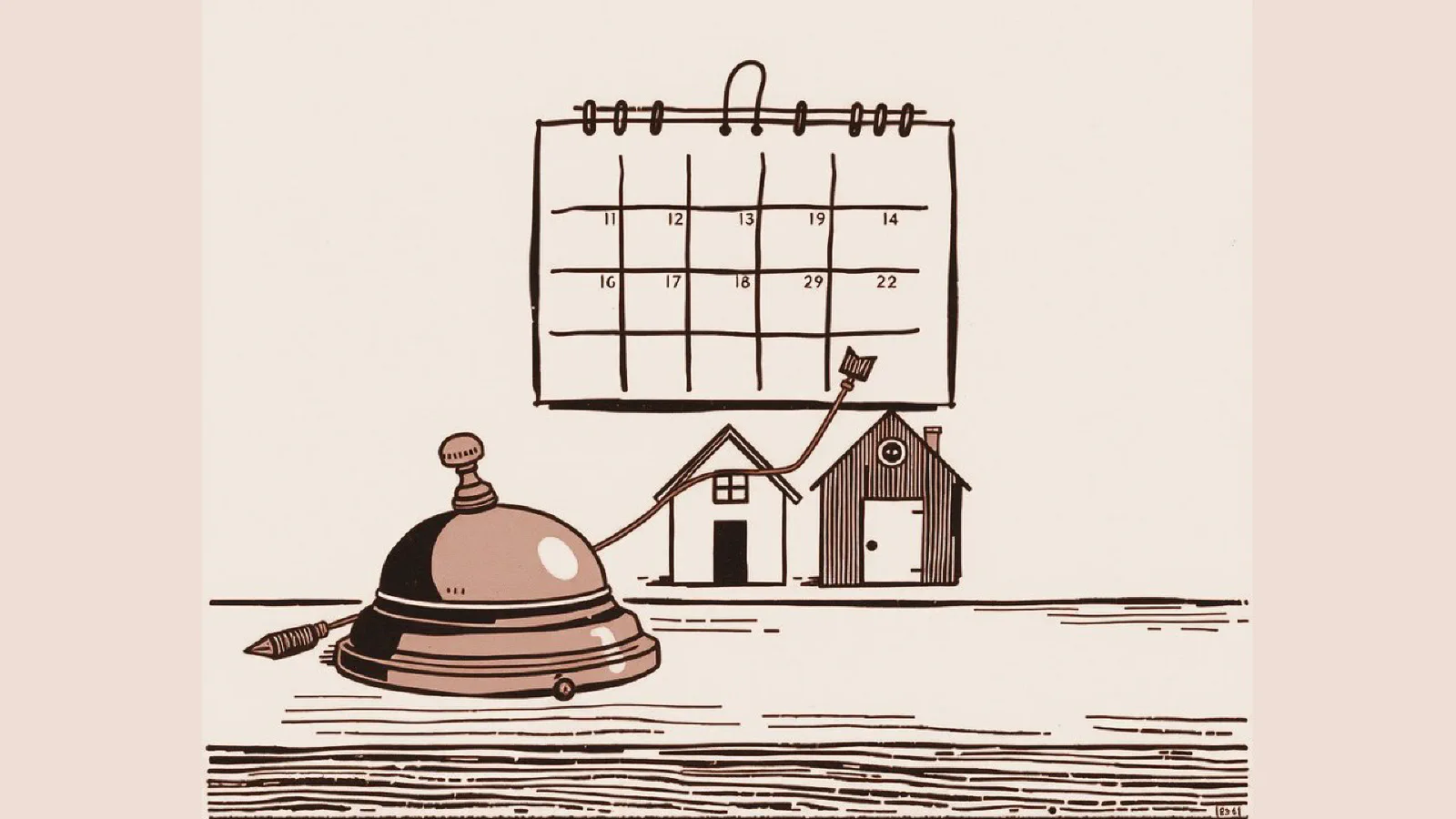
Say you rent out an apartment on Airbnb and Booking.com, with the two calendars linked. A guest books three nights in August on Airbnb, and an hour later a booking for the same nights arrives from Booking.com. The link was there. It just hadn’t passed the news from one site to the other yet. That’s usually the moment people start searching for “channel manager.”
A channel manager is the software that keeps availability, prices, and bookings in line across every booking site you’re on: Booking.com, Airbnb, Expedia, and the rest. A booking engine is the booking form on your own website, where guests pick their dates and book without going through a booking site. A channel manager and booking engine are often two parts of the same software, together with a PMS that holds your bookings. Below: what each one does, when linked calendars are enough, which comes first, and how to choose (no rankings).
PMS, channel manager, booking engine: who does what
| What it does | The question it answers | |
|---|---|---|
| PMS | keeps bookings, guests, payments, and cleaning in one place | “Who arrives tomorrow, and have they paid?” |
| Channel manager | sends available dates and prices to each booking site, and brings the bookings back into the PMS | “Is that night still available on Booking.com?” |
| Booking engine | the booking form on your website: dates, rooms, price, payment | “Can I book directly with you?” |
PMS stands for property management system: the software where you run the property day to day. Some also prepare or send your guests’ details to Alloggiati Web, the State Police portal for registering guests in Italy, which has a connection built for this kind of software. If you need that, ask for it.
What happens when someone books on your website
- The guest opens your website and taps the booking button.
- The booking engine shows the available dates and the price, which it reads from the PMS.
- The guest pays, or leaves a card as a guarantee, under the rules you set.
- The booking goes into the PMS, and you and the guest get a confirmation.
- The channel manager updates availability on every connected site: it closes the dates if you rent out a single home, or takes one room off sale if you have several of the same type.
A booking from Booking.com works the same way in reverse: it goes into the PMS, and the channel manager updates availability on your website and on the other sites. If the booking engine isn’t connected to the rest, you do steps 2 and 5 yourself, by hand, with more work and more risk of errors.
iCal calendar sync or a channel manager: the real difference
Airbnb and Booking.com let you link calendars through a web address that ends in .ics, the iCal format: each site reads the other’s calendar and blocks the dates already taken. It’s free and takes a few minutes to set up. The limit is that it doesn’t happen right away. As of November 2026, Airbnb says your calendar updates automatically every 3 hours, and Booking.com says calendar sync isn’t in real time: it imports connected calendars automatically at intervals, and you can force an update by hand. Booking.com itself warns that this can lead to double bookings.
Two more things to know:
- Calendars carry dates, not prices. What passes from one site to the other is the dates already taken, though not always all of them: Airbnb warns that nights you block on another calendar may not be blocked on Airbnb. Rates and conditions you still change by hand on each site.
- On Booking.com, calendar sync isn’t for everyone. It’s only available if your property has 20 room types or fewer, one unit per room type, and you don’t already use a connectivity provider. A small hotel that sells three identical double rooms under the same room type can’t use it.
A channel manager connects to the sites directly, through the interfaces they open to software (APIs). Availability, prices, and bookings go through without waiting for the next calendar refresh. How fast depends on the software, so ask. Airbnb, for example, says that with API-connected software, pricing and availability come from your software. One warning: not every channel manager has a direct connection to every site, and some still use iCal for a few of them.
When iCal is enough, and which you need first
| Your situation | What’s usually enough |
|---|---|
| One home, two sites, few last-minute bookings | iCal calendar sync, checked after every booking |
| Several homes or rooms, three or more sites | a channel manager |
| Small hotel with several identical rooms under one room type | a channel manager (iCal isn’t available on Booking.com) |
| Prices you change often, by season or length of stay | a channel manager, so you don’t redo them on every site |
| Direct bookings on your website, with payment | a booking engine connected to the calendars of your other channels |
The two solve different problems: the channel manager keeps the booking sites in line with each other, the booking engine opens a channel of your own. For a hotel with several rooms on three or more sites, the channel manager usually comes first, because that’s where the risk of double bookings grows. If you have one or two homes and want direct bookings, the booking engine comes first, connected to the calendars of the sites you’re on. Often you don’t have to pick: the two come in the same software.
If you stay with iCal, open the other calendars after every booking and force an update: on Airbnb, go to the connected calendar and select Refresh; on Booking.com, use Import now in the calendar sync settings. It takes a few minutes, and the window in which a second booking can arrive gets much shorter.
Not sure whether linked calendars are enough or you need a channel manager? Tell me how many homes or rooms you have and which sites you're on, and I'll tell you.
How to choose a channel manager, without rankings
Search for “best channel manager” and you’ll find plenty of rankings written by companies that sell one of the products on the list, so check who published each one. Seven questions help you more:
- Which sites it connects, and how. Directly, or only through calendar sync? Are all the sites you use on the list?
- Does the booking engine fit inside your website? A hotel booking engine should sit in your own pages, not only on a page on the vendor’s domain. It should work well on a phone and be available in your guests’ languages.
- Payments. Card, prepayment, deposit, cancellation rules: what you can set, with which payment service, and whether that service has fees of its own.
- Google’s free booking links. For hotels and B&Bs, Google can show your website among the options to book, with no cost for clicks, but your prices and availability have to reach Google through a partner. Google publishes a directory of connectivity partners: check whether your provider is on it. For vacation rentals, as of November 2026 Google doesn’t accept individual homeowners: it works with professional property managers and with booking sites connected to Google. How it all works is in Google Hotel Ads: how they work.
- Support in a language you’re comfortable with, and at what hours: in peak season, a problem on Saturday can’t wait until Monday.
- The contract. How long it runs, how you cancel, and whether you can take your future bookings and guest data with you when you switch.
- The cost. The pricing model changes from one product to the next, and price lists change often: read each one’s pricing page and ask what’s included.
Some names you’ll come across, only as examples of the different shapes the same job takes. Octorate and Kross Booking are Italian and combine a PMS, a channel manager, and a booking engine. Smoobu and Lodgify were built mainly for vacation rentals (holiday lets, to British readers) and also offer a website. Vik Booking is a plugin for WordPress websites, with a separate channel manager. This isn’t a ranking: the right software is the one that answers the seven questions well for your property.
Frequently asked questions
What is a booking engine?
It’s the system on your website that shows availability and prices and lets guests book and pay. It isn’t a booking site: the booking reaches you without an intermediary’s commission, although the software can have a cost of its own.
Can I use a channel manager with Airbnb?
Yes. Airbnb lets you connect software through its API. Once you do, Airbnb says pricing and availability come from that software, and availability settings can only be changed in the software. Promotions you set directly on Airbnb can still make prices differ, so check those too.
Does a channel manager stop double bookings?
It lowers the risk, but doesn’t remove it. Double bookings can still come from rooms matched wrongly between the software and the booking site, from delays or interruptions in the updates, or from availability rules in the software that open or block dates without you realizing it, as Airbnb also warns. A look at your calendars now and then is still a good habit.
What to connect to your website, and why the website matters
A channel manager saves you work on the booking sites, but for direct bookings your website is the main channel. It’s where the booking engine lives, and where people arrive after finding you on Google, on social media, or by word of mouth. If the site is slow, only in Italian, or hides the booking button, even the best booking engine brings in little.
In practice, connect:
- the booking engine inside your pages, with the same look as the rest of the site and the booking button always in view;
- availability and prices read from the PMS, never copied by hand;
- your Google Business Profile, if your business can have one (a vacation rental on its own can’t), with the link pointing to your website, not to a booking site;
- Google’s free booking links, if your provider is a Google partner;
- a count of the bookings that come from the website, so you know what it brings in.
If your software already includes a website, as Lodgify does, I’ve explained when that’s enough and when you need a site of your own connected to it. If you’re still deciding whether you need a website at all, start with do you need a website if you’re on Booking.com or Airbnb. To grow the bookings that don’t go through booking sites, read how to increase direct bookings. How I build websites for direct bookings is on the web design page.
If you’d like an opinion on your setup, message me or call +39 351 366 3017. You’ll get me, within 24 hours on business days (CET), not a call center or a salesperson. I come in person anywhere in Tuscany for photos and site visits; the rest works remotely, anywhere in Italy. If more work is needed, before anything starts I’ll send you in writing what it includes and what it costs, item by item. If there’s little to do, I’ll say so.